Large Print Word Searches
Large Print is a setting on this site rather than a separate set of puzzles. The Abc switch in the header (a small Abc beside a larger one) switches everything — every puzzle, every page — to bigger type: 48-pixel grid cells instead of 36, larger letters inside them, and Atkinson Hyperlegible for body text as well as the grid, a typeface drawn to keep lookalike characters such as I, l and 1 apart. The choice is remembered until you turn it off.
What this page adds is a shortlist. Every puzzle here is 15×15 or smaller with 24 words or fewer, which is the size that stays comfortable once the type goes up: the grid and the whole word list still sit on one screen without scrolling sideways, and on one sheet of paper with room to spare.
On paper the size is already settled. Printed grids of up to 20 columns come out at a 0.3-inch cell in plain black on white whatever the screen is set to, so a sheet printed from here has large, well-separated letters without changing anything at all. Easier on the eyes, and easier to hand round.
-
Halloween Celebration
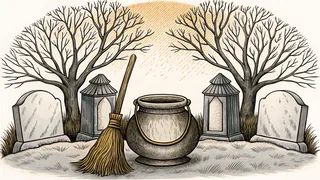
-
Homecoming
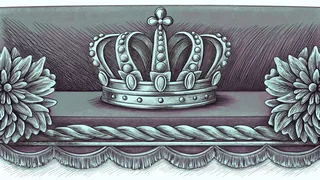
-
Glee
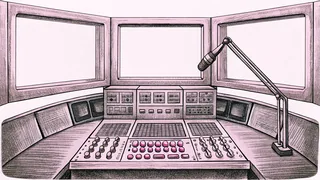
-
Mulan Word Search
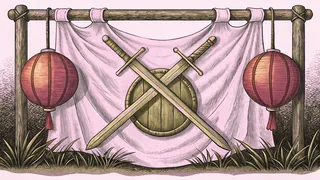
-
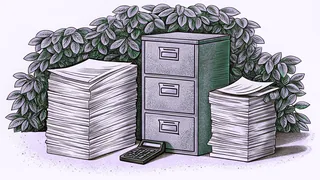
Insurance Terms
-
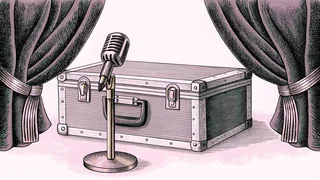
Katseye
-
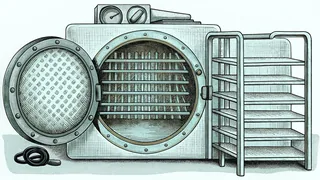
Medical Assistant
-
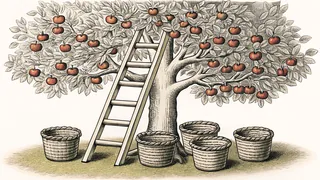
Apple Picking
-
Names and Titles of Jesus
-
Anniversary
-
Easy Back to School
-
Graveyard and Cemetery
-
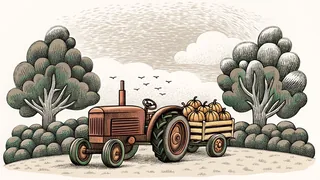
Pumpkin Patch
-
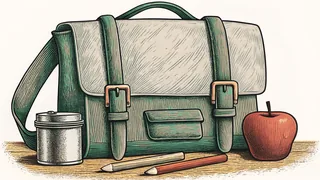
Back To School Days
-
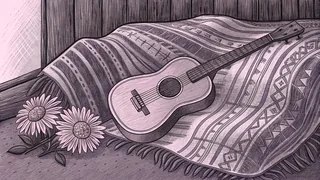
Coco Word Search
-
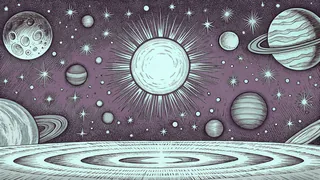
Our Solar System
-
Gilmore Girls
-
Costume Accessories
-
Apple Pie Ingredients
-
Snoopy and Peanuts
-
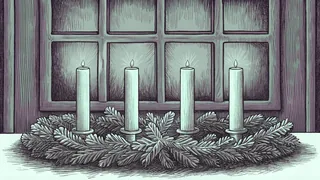
Advent Calendar
-
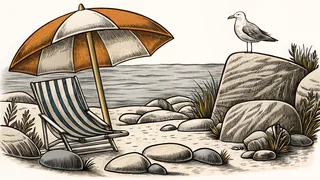
Beach Day
-
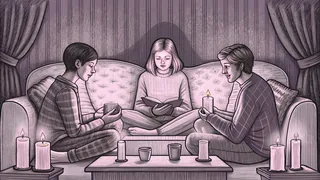
Being a Good Friend
-
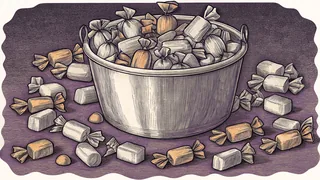
Easy Halloween Candy
-
The Wizard of Oz
-
Black Holes Word Bank
-
Spacecraft and Rockets
-
Dinosaur Anatomy
-
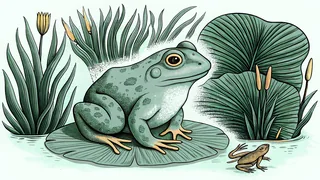
Amphibians!
-
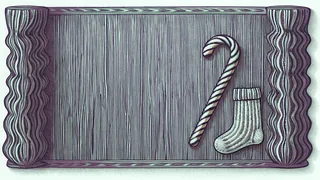
Elf on the Shelf
-
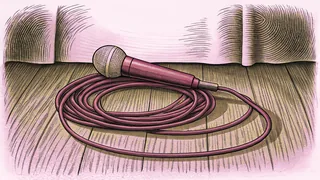
Stray Kids
-
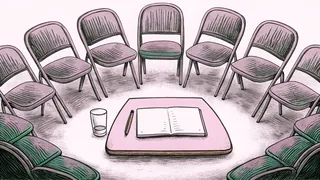
Addiction Recovery
-
Feudalism
-
High School Musical
-
Dog Breeds
-
Money Terms Word Search

-
Numbers
-
WWE Legends and Stars
-
Corn Maze Adventures
-
Dinosaur Dig & Excavation
-
First Aid Basics
-
NBA Teams East
-
Popular Sports in the US
-
Among Us
-
Splatoon
-
Los Saludos (Greetings)
-
August Words
-
October Words
-
Kung Fu Panda
-
Adam and Eve
-
Barbie
-
Undertale
-
Breakfast Foods
-
Easter Basket
-
Easy Halloween Costumes
-
My Little Pony
-
Lakota Mythology
-
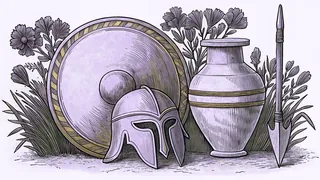
The Iliad Characters
-
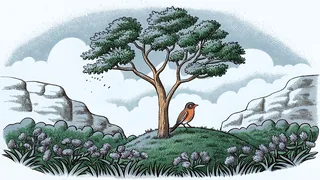
The State of Wisconsin
-
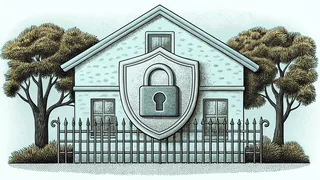
Cybersecurity
-
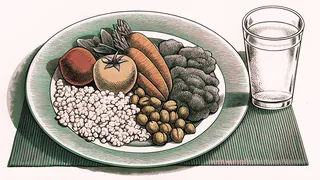
Healthy Eating & Nutrition
-
Hot Cross Buns
-
Mariah Carey
-
Pilgrims And The Mayflower
-
Christmas Markets
-
Climate Zones And Biomes
-
Columbus Day Word Bank
-
Easter Brunch Menu
-
Joseph and His Coat of Many Colors
-
Mindfulness
-
Money Heist Word Bank
-
Pollinators
-
Seven Wonders Of The Ancient World
-
The Atmosphere
-
Trains and Railroad Terms
-
Ugly Christmas Sweaters
-
Caves & Caverns
-
Division
-
Examples of Primates
-
Positive Self-Talk
-
Water Balloon Battle
-
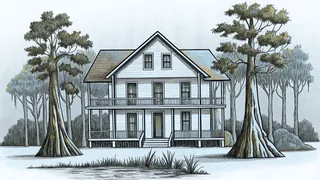
Chesapeake, Virginia
-
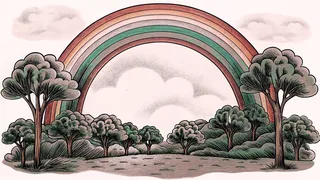
Los Colores (Colors)
-
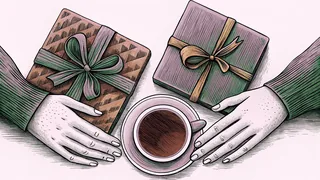
The Five Love Languages
-
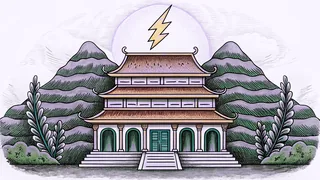
Twelve Olympians of the Greek Pantheon
-
Engineering
-
Atomic Structure
-
States of Matter
-
Alcohol
-
Driver's Education
-
Moses
-
Five Nights at Freddy's
-
Holes
-
Of Mice and Men
-
Snow Day
-
St. Patty's Day
-
A Day at the Zoo
-
Adding and Taking Away
-
Around the House
-
Astronomy Words
Turning on Large Print
Large Print is the Abc switch in the site header, beside the dark-mode switch — slide it toward the larger Abc and the whole site follows. It needs JavaScript; the puzzles themselves do not, which is why the grid and the word list are on the page whether scripts run or not.
- Slide the header's Abc switch to the larger Abc — every page turns over at once.
- It stays on. The choice is kept in your browser until you press it again.
- It combines with dark mode, if light letters on a dark page are easier to read.
- It works on every puzzle on the site, not only the ones collected here.